Read the useful part
PageNarrator pulls the main text from articles, documentation, and other webpages instead of reading every menu and button.
Private text-to-speech
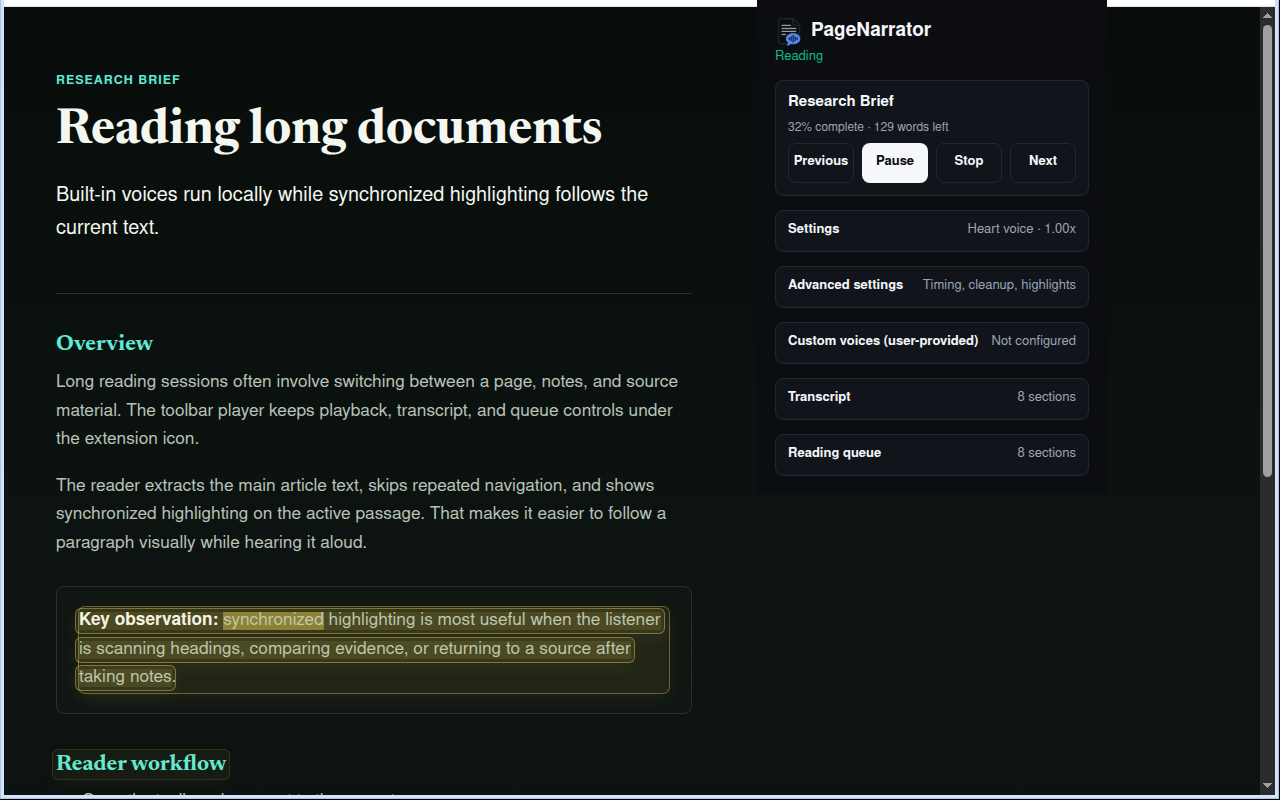
PageNarrator reads webpages and PDFs aloud with built-in voices that run on your device. It is free, needs no account, and highlights each passage so you can follow along without losing your place.
Made for long reads
PageNarrator pulls the main text from articles, documentation, and other webpages instead of reading every menu and button.
A dedicated PDF viewer keeps the page, transcript, and spoken passage together.
Synchronized highlighting shows what is being read on the page and in the transcript.
Change the speed, skip noisy code, add pauses between sections, and choose your highlight colors.
Resume long reads and move through the transcript without hunting for your place.
Local by default
Voice files download from Hugging Face when you prepare or first use a voice. Speech runs on your computer; cached files can be reused offline unless cleared. Changing voice or processing mode may need another download. PageNarrator does not receive the webpage text, PDF contents, selected text, URLs, or browsing history you ask it to read.